

Imaging Recipes
Vintage vibes, film-inspired styles
and colors that pop.
Get the colors
you crave,
right in-camera.

Browse the selection of
Imaging Recipes on the Nikon
Imaging Cloud website.
Save and download
your favorites.
Apply Recipes in
real time.
Recipe Simulator
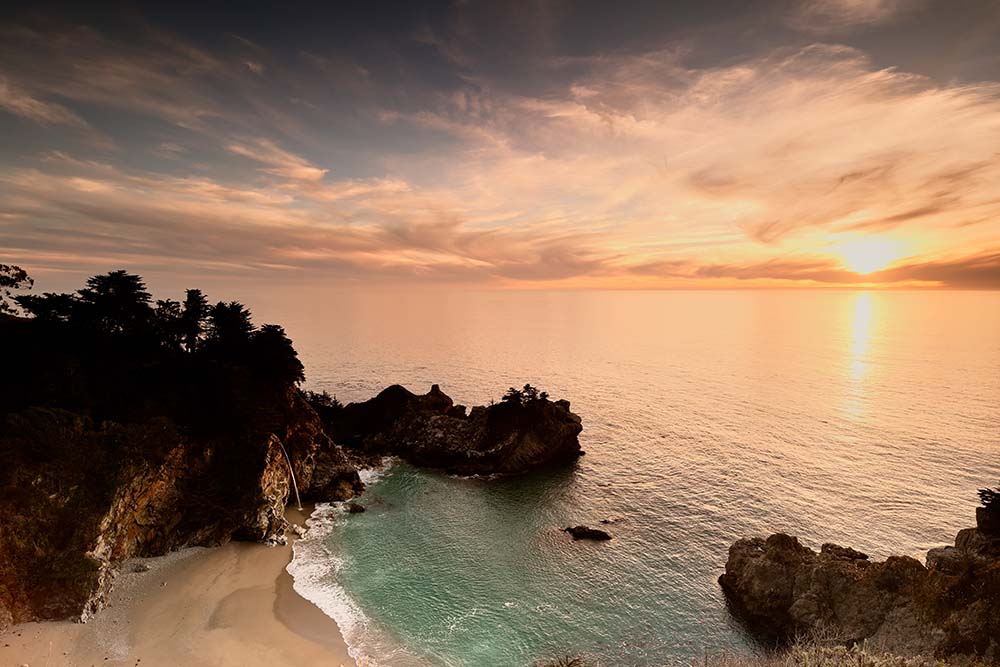
 Original





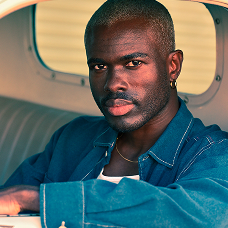 Teal & Orange
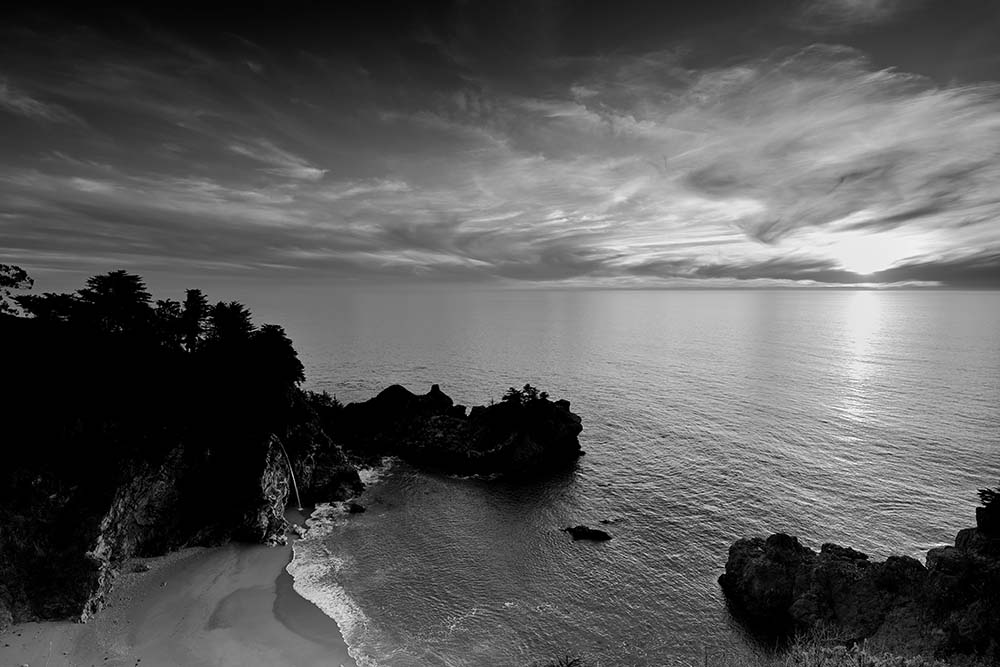
 British Film Black
 and White
 Golden Hour Glow
 Color Mode
 Blue 01b
 Sunset Film
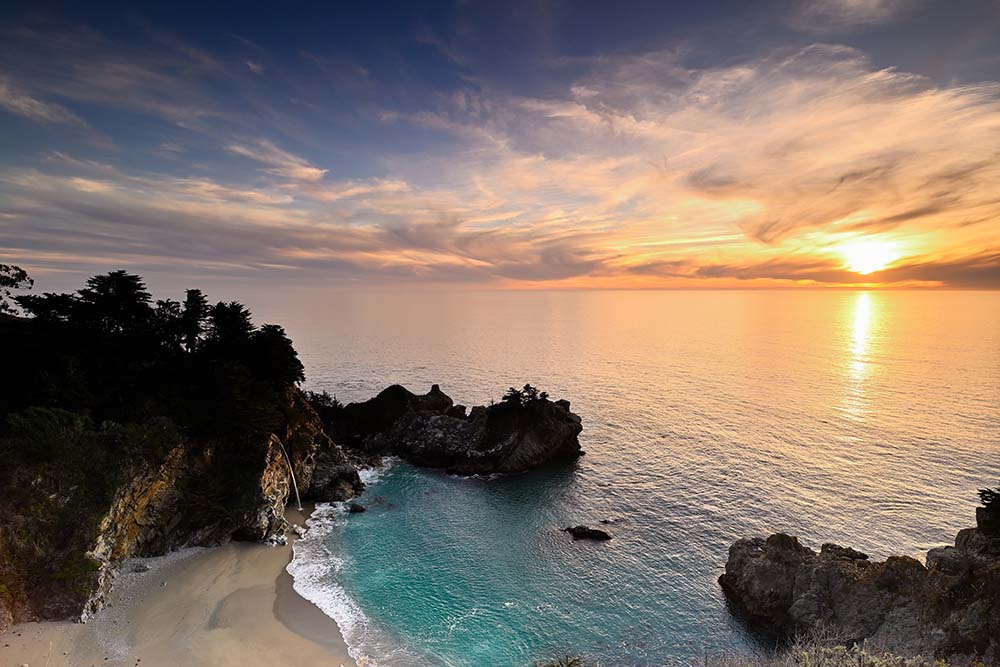 Original
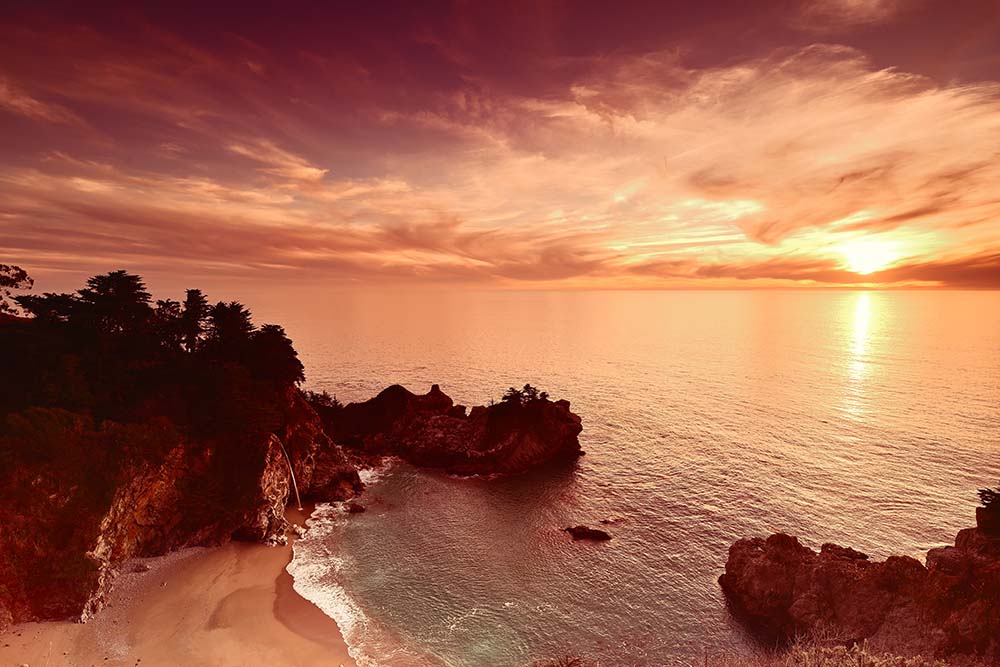
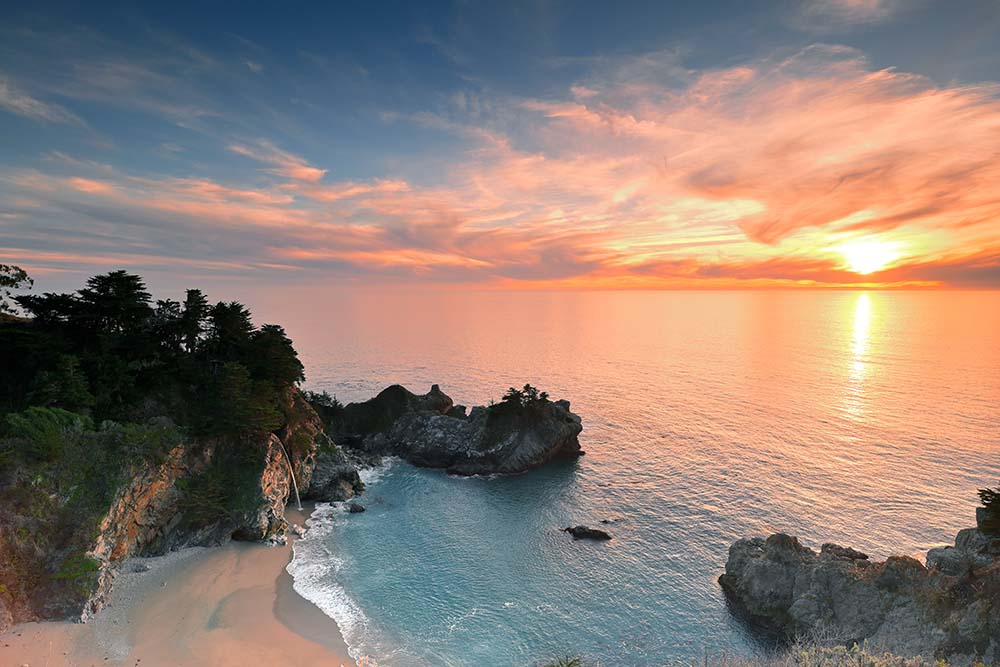

 Red Mood
 Warm Street
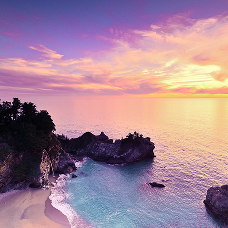 Neon Glow
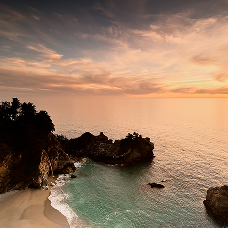 Honey
Honey
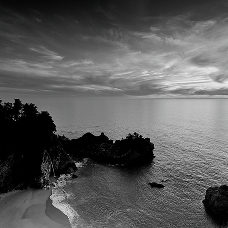 Euro Film Black
 and White


Film Era Inspired Recipes
Get the vintage analog aesthetic you've always wanted.
How it Works

Getting Started
Visit imagingcloud.nikon.com from your mobile or desktop browser to create your free account.
Connect your camera.
From your camera's menu system, follow the instructions to connect to Nikon Imaging Cloud.
Explore Imaging Recipes.
Explore the selection of Imaging Recipes, save your favorites, and register them to your camera.
Download Recipes to your camera.
Download your saved Recipes, preview their effect in real-time and start creating unique photos and video.
