Understanding What Nikon Imaging Cloud Can Do For You
Nikon Imaging Cloud was created as a cloud-based service hub that allows photographers and filmmakers to explore and download from a large curated collection of imaging recipes to compatible cameras (check your user’s manual for compatibility); as a location for images to be uploaded temporarily while shooting (or later), and then migrated to a permanent location; and to easily enable firmware upgrades for your Nikon mirrorless camera.
What are Nikon Imaging Recipes
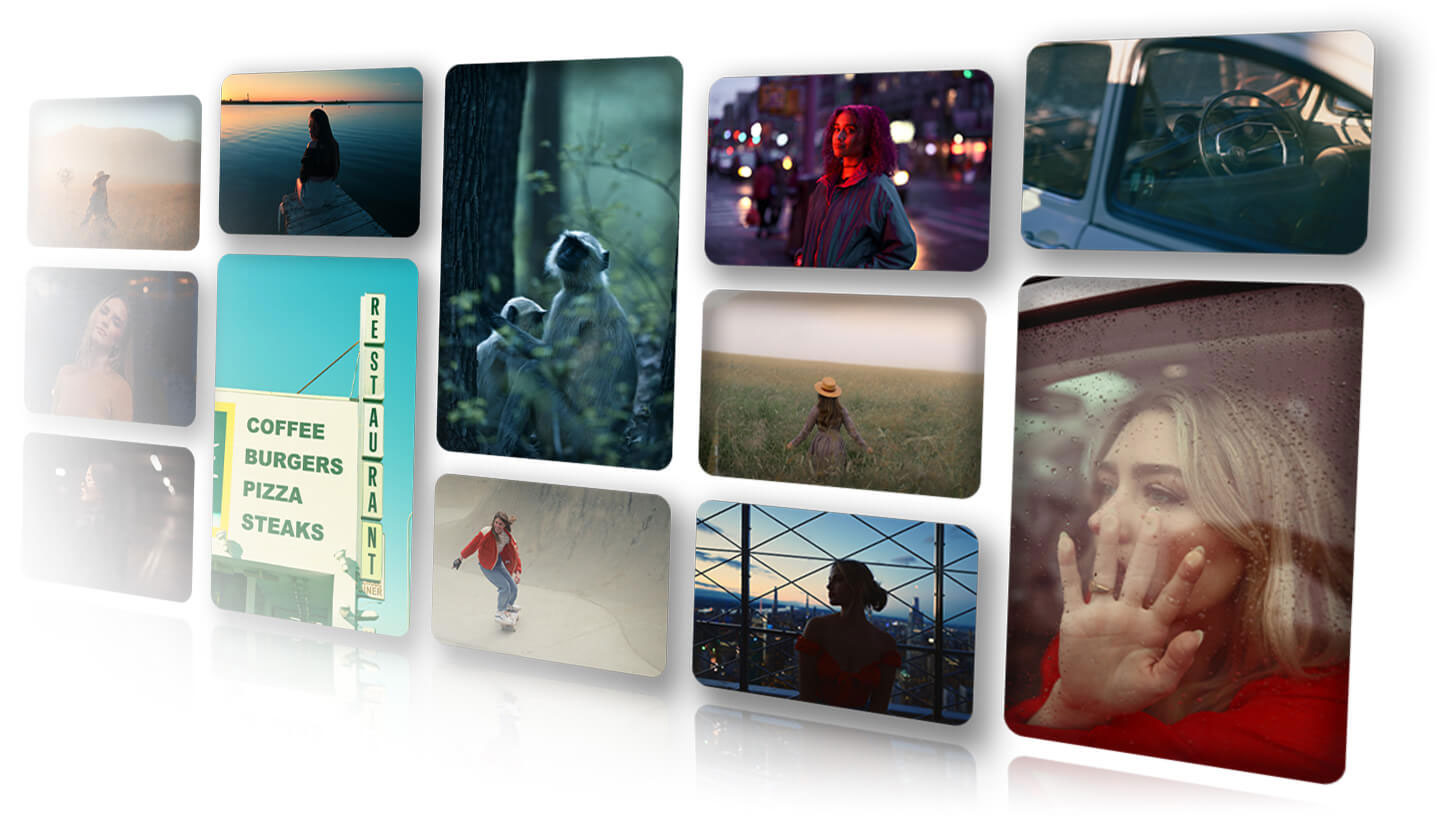
Imaging Recipes are unique Picture Controls created by a group of photographers & filmmakers around the world for use with compatible Nikon mirrorless cameras. You can search through the different recipes and find the ones that appeal to you. Each one is unique, offering a different mood or tone. Download the ones you like to your compatible Z series mirrorless camera. With a recipe selected, you’ll be able to see in the viewfinder or on the LCD exactly how the image or video will look with that selected recipe. You can download up to nine different recipes to your camera, but save up to 100 imaging recipes on your account. You’ll want to check back often because we’re regularly adding new ones!
As of July 2025, the following Nikon mirrorless cameras: Z6III, Z50II, Z5II and Zf as well as the ZR cinema camera can utilize these downloadable imaging recipes.
The Nikon Imaging Cloud site currently has over 100 different imaging recipes for photographers and filmmakers to browse and try. New recipes are added on a regular basis. And many were created using the latest Nikon mirrorless camera models. We picked three different recipes to show here, one each by Aparupa Day, Brittany Eliza Kunkel abd Brandon Woelfel.

Bleach Blue by Aparupa Day
Aparupa says the Bleach Blue recipe is inspired by the serene ambiance of the wilderness. Designed to impart a sense of intensity and clarity to images, it gives an aesthetic and moody feel that emphasizes tranquility of nature. It enhances blue tones while maintaining a clean and crisp overall appearance, while preserving the dark environment to immerse viewers in the mysterious yet calmness of the natural world. “This recipe is most effective for scenes under natural light, especially for subjects in the jungle, near water bodies or in landscapes dominated by blue hues. It complements subjects with a variety of blue tones or neutral colors such as white, brown, and beige,” she adds.

Moody Greens by Brittany Eliza Kunkel
Brittany explains that the Moody Greens recipe intensifies deep, cool greens, giving your image a rich, atmospheric feel. It enhances shades of emerald, moss, and forest green, while slightly muting other tones. Shadows become deeper, and highlights take on a cool, misty quality, adding to the mystery of dense woods or mist-covered landscapes. “Ideal for outdoor scenes, it helps to turn ordinary settings into lush, dramatic environments,” she adds.
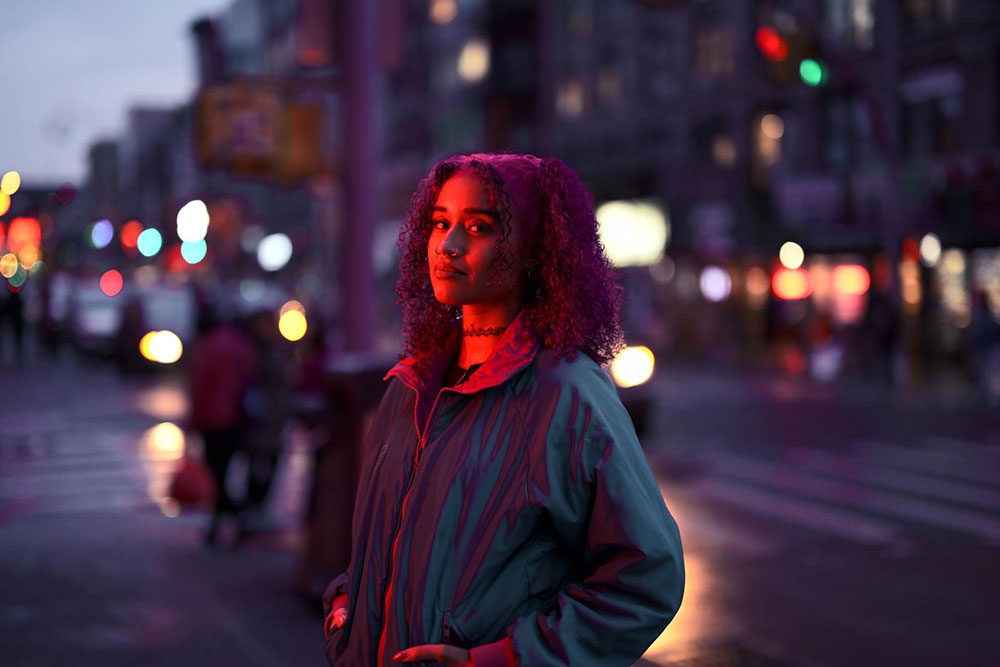
Neon Glow by Brandon Woelfel
Brandon says the Neon Glow recipe is designed to evoke a retro-futuristic vibe in your images. It features bright pink mid-tones and deep blue shadows, with slightly heightened saturation and contrast, making it the perfect look for achieving a cyberpunk, dreamy portrait. “The recipe is best suited for nighttime scenes where the subject is already illuminated by some sort of colorful light source, such as neon signs, colored streetlights, or the glow of car headlights. It enhances vibrant hues and deep shadows. With its saturated pink and blue tones included, it really comes to life when you shoot a scene that already has these colors throughout, making it an excellent choice for capturing street-style portraits or the ambient glow of a cityscape backdrop,” he adds.
Temporary Cloud Storage
The Nikon Imaging Cloud is more than just a repository of imaging Recipes. The site also lets you upload full resolution photos directly from your camera any time you’re connected to Wi-Fi. You can set your camera to automatically upload images as you shoot, as a temporary storage location. The storage is unlimited, however the storage is short-term—for 30 days only. Once your images are on Nikon Imaging Cloud you can easily move them to Dropbox, Google Photos or Microsoft OneDrive for long term digital storage. The camera will even let you set a different final destination for each file type you shoot: JPEG, NEF and HEIF.
Firmware Updates Made Easy
You’ll never miss a firmware upgrade once you’ve set up your compatible Nikon mirrorless camera to enable automatic updates. Your camera can seamlessly update to the latest firmware over Wi-Fi, even when turned off* or in USB power delivery mode.
Helpful Videos to Get You Started
We’ve got a few helpful videos to get you started using the Nikon Imaging Cloud site, including one video that shows you step-by-step how to sign up for a Nikon ID which you’ll need to access the services on the site, along with instructions for downloading the imaging Recipes and setting up your camera to use them. If you already created a Nikon ID for use on the Nikon Image Space website, you can use it for the Nikon Imaging Cloud as well.
Nikon Digitutor on connecting to Nikon Imaging Cloud
Nikon Digitutor on Imaging Recipes
Nikon Digitutor on updating firmware via Nikon Imaging Cloud
* Internet connection via Wi-Fi is required.